
View Futures Bonus Details
Desktop Web
- From the FIXT Home screen, tap the profile icon in the top-right corner and choose My Coupons.
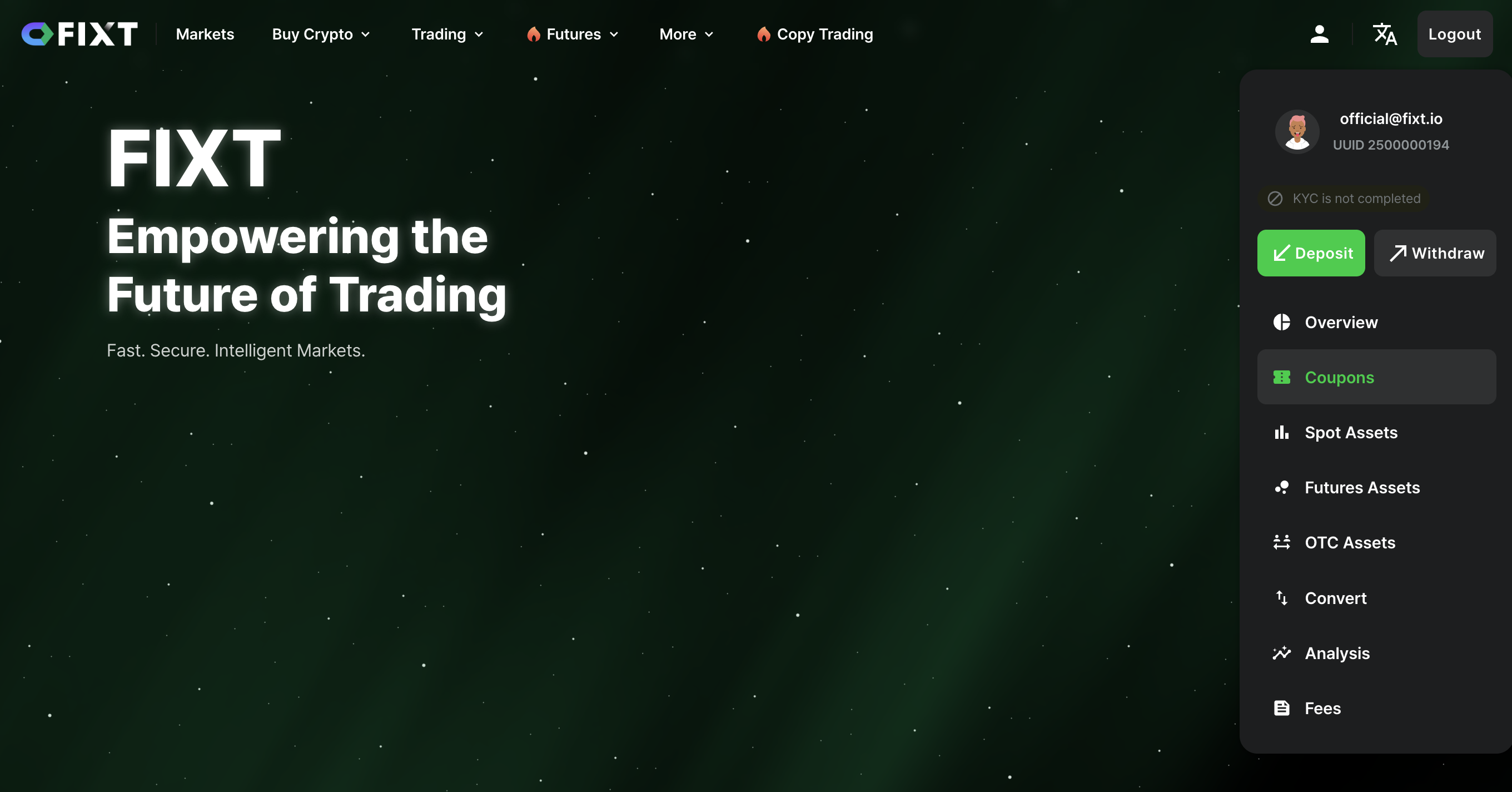
FIXT Home
-
Check received bonus details under Unused Coupons.
-
Tap All to filter by Futures Bonus from the menu and view different types of bonus details.
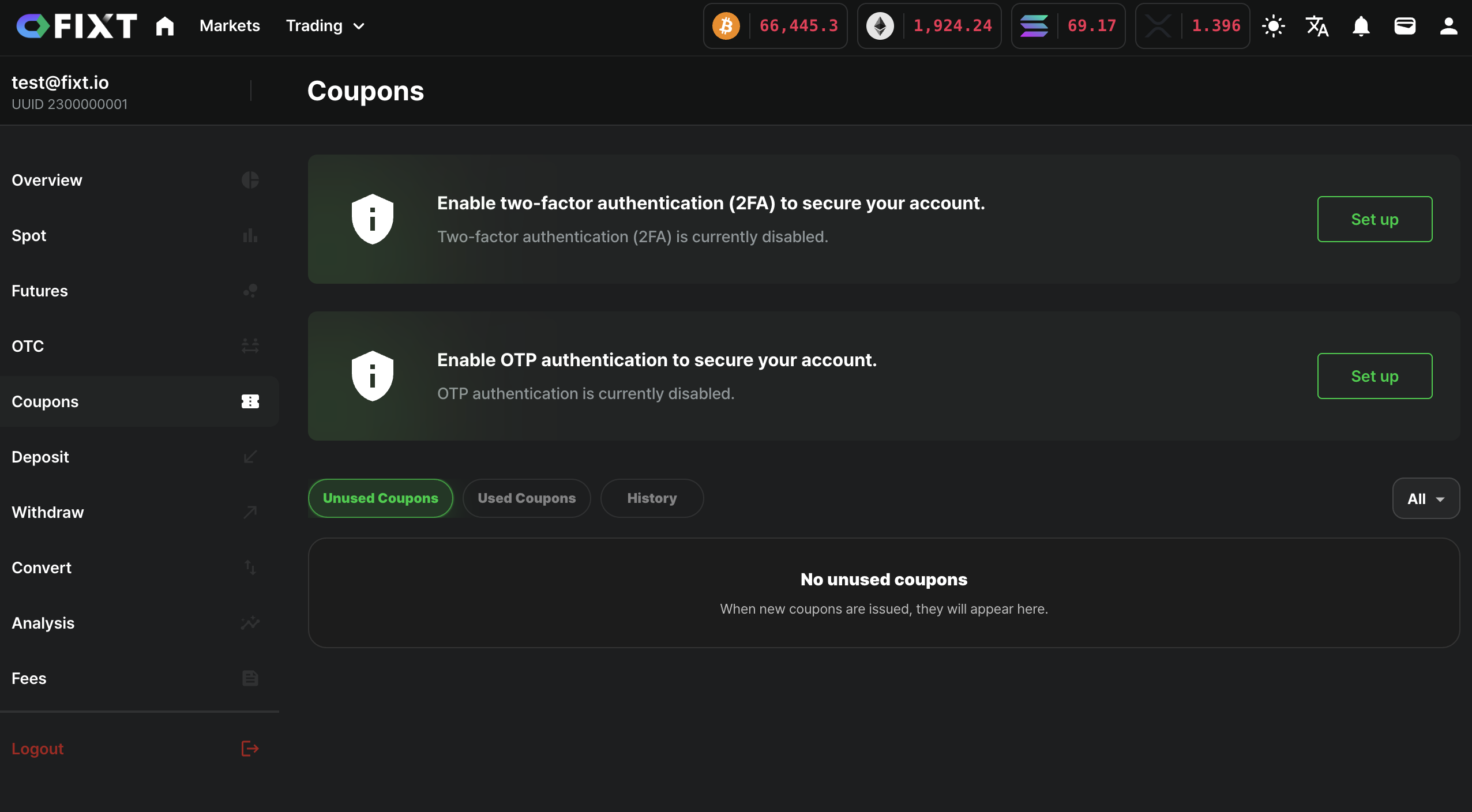
Assets -> Coupons
- If there are available coupons in the “Unused Coupons” tab, click the “Use” button to activate and apply the coupon.
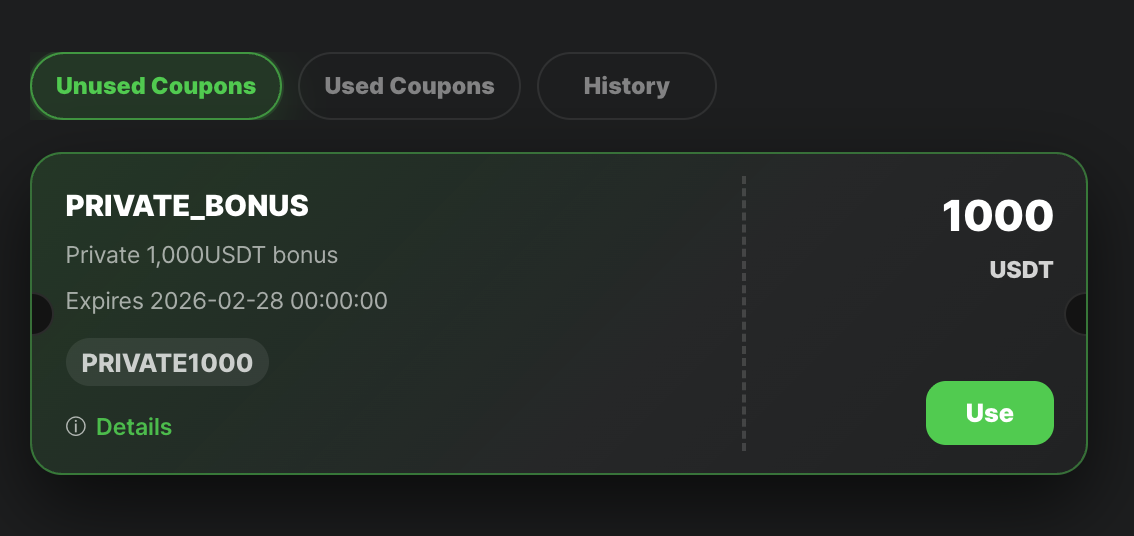
Unused Coupons
- After activating a coupon, it will be moved to the “Used Coupons” tab, and the corresponding bonus amount will be credited to your futures bonus balance.
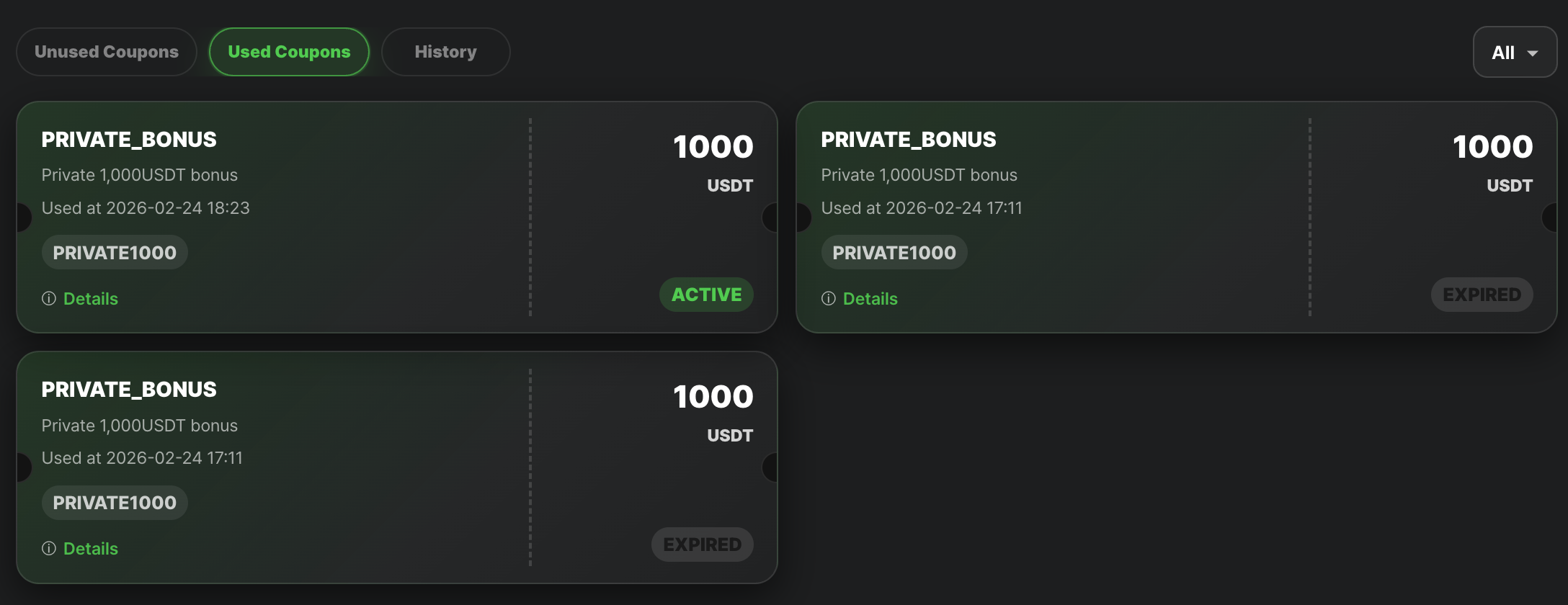
Used Coupons
- In the “History” tab, you can track all bonus-related activities, including issuance, usage, allocation, and expiration.
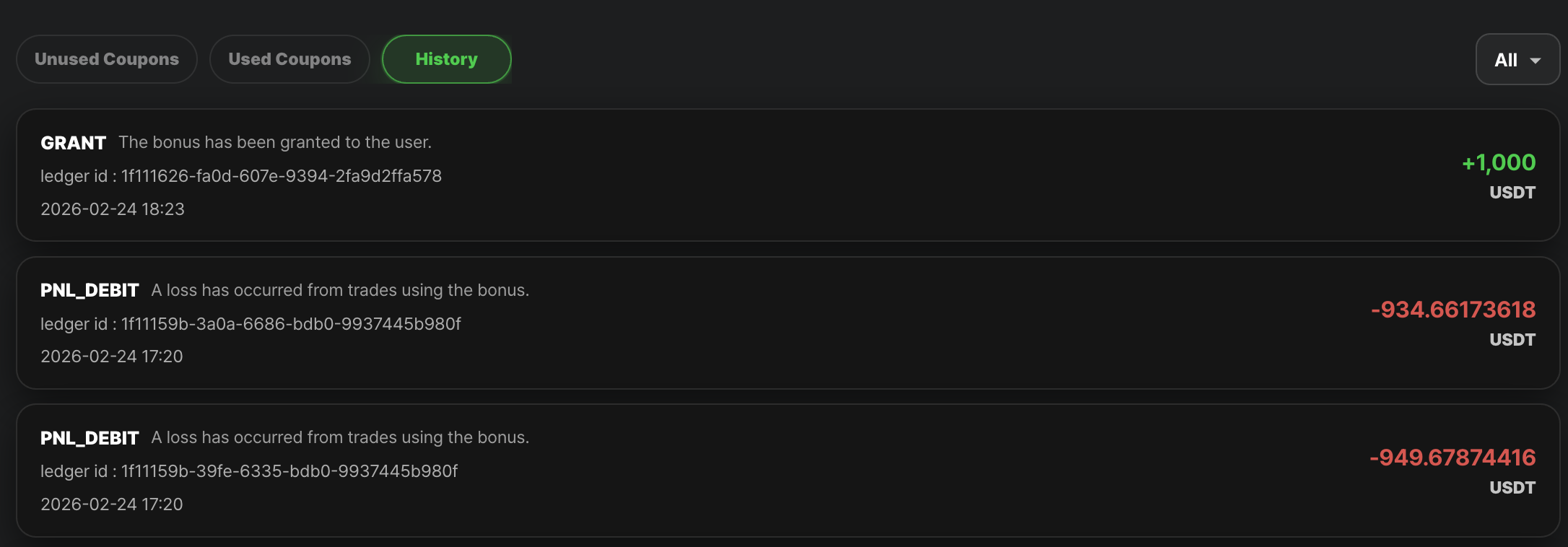
History
App or Mobile Web
- On the App homepage, tap your profile avatar to go to 「Personal Center」, then select My Coupons
- Check received bonus details under Unused Coupons
- Tap All to filter by Futures Bonus from the menu and view different types of bonus details.
Updated 7 months ago
Did this page help you?